At a glance
Read-only
Access wherever possible

Defensive and advisory
Find out who holds privilege in your Azure and Microsoft 365 tenant, what is open to the internet and what to fix first.
Fixed scope
Microsoft 365 and Azure security review
Fixed scope, priced before the work starts.
You get the findings and a plan to fix them.
At a glance
Access wherever possible
At a glance
Findings report and remediation plan
At a glance
CyberCert public registry
Overview
An Azure security assessment reads how your Azure and Microsoft 365 tenant is configured, with read-only access wherever possible. You get a findings report and a fix plan ordered by risk, whether you built the tenant or inherited it from a partner.
Each finding is tied to the Azure control that closes it and ranked by the risk it creates in your environment.
Under Microsoft's shared responsibility model, Microsoft secures the physical datacentres, hosts and network Azure runs on. Your data, your accounts and identities, and the devices that connect are always your responsibility, whichever Azure services you deploy.
Your side is largely configuration: who holds privileged roles, what accepts traffic from the internet, where credentials are stored and whether logs are kept long enough to investigate an incident. Defender for Cloud and Azure Policy report on those settings. We read them directly and weigh each permission and exposure against what you run.
The Azure platform is independently assessed. Microsoft publishes IRAP assessments of Azure and Microsoft 365 against the Australian Government Information Security Manual, alongside its ISO 27001 and SOC audit reports for the platform.
Those attestations are Microsoft's and cover the platform. The security of your tenant is set by its configuration, and Defender for Cloud scores part of it. A cloud security posture review also weighs whether each permission and exposure fits the workload it serves.
We assess each area against what you run, who touches it and what an attacker inside your tenant could reach.
An Azure configuration review, an Azure security assessment and a Microsoft cloud security review are three names for one engagement: the settings of your tenant read against what you run. We read Entra ID, every subscription in scope and the Microsoft 365 services on the same tenant.
The checks go to the faults that expose a tenant: a storage account left public, a database reachable from the internet, standing admin roles and break-glass accounts, secrets kept outside Key Vault and logs that age out before an investigation starts.
We use the ASD Essential Eight as the framework and read Defender for Cloud's results against the Microsoft cloud security benchmark. Findings map to the Essential Eight and SMB1001 where your brief calls for it.
| Review area | The question it answers | Where it sits in the frameworks |
|---|---|---|
| Identity | Who can sign in, and with what proof | Essential Eight multi-factor authentication, from Maturity Level 1. Microsoft cloud security benchmark: identity management |
| Privilege | Who can change the tenant and its subscriptions | Essential Eight restrict administrative privileges. Microsoft cloud security benchmark: privileged access |
| Networking | What accepts traffic from the internet | Microsoft cloud security benchmark: network security. ASD Information Security Manual: guidelines for networking |
| Secrets | Where credentials live and how long they last | Microsoft cloud security benchmark: identity management and data protection |
| Logging | Whether an attack could be detected and reconstructed | Microsoft cloud security benchmark: logging and threat detection. ASD Information Security Manual: guidelines for system monitoring |
| Workload configuration | Whether each resource is hardened and its data recoverable | Essential Eight regular backups. Microsoft cloud security benchmark: data protection, backup and recovery |
Identity
Privilege
Networking
Secrets
Logging
Workload configuration
Microsoft 365 and Azure share one Entra ID tenant, so we read identity once and report on both. In Microsoft 365 we check the settings that decide how far one compromised mailbox or one shared link can reach.
If your team would run the checks in house, they are in the Microsoft 365 security review checklist. If identity needs a review of its own, the Entra ID security review goes deeper into conditional access, privileged roles, app consent and offboarding.
You get two documents. The findings report records where your tenant stands, with every finding verified by hand and the evidence to reproduce it.
The remediation plan tells your team what to change and in what order, using controls you already license: Entra ID conditional access, Azure Policy, Key Vault, private endpoints, diagnostic settings, and Defender for Cloud where it applies.
Findings are ordered by the risk they create in your environment, so your team starts with the changes that remove the most exposure.
The same patterns recur. Privilege accretes: an Owner assignment handed out during a migration is still there years later, attached to an account nobody has reviewed. Service principals carry client secrets that never expire, created before workload identity federation was available.
Secrets drift out of Key Vault into app settings, pipeline variables and the occasional repository.
On the network side, storage accounts keep public network access because an integration needed it once. Legacy authentication stays enabled for one workload nobody can name. Diagnostic settings were never configured, so when something happens the activity log has aged out and there is nothing to investigate. Underneath sits ambiguous ownership: a tenant stood up by a partner who has since moved on, with nobody inside the organisation holding the whole picture.
The common triggers are a migration into Azure that moved faster than its access model, a tenant built by a partner who has since moved on, a customer security questionnaire or insurer renewal that asks about cloud configuration, an Essential Eight or ISO 27001 program that needs the cloud estate measured, and the weeks after an incident when the question is what else is exposed.
If you run Microsoft 365 alongside Azure, the two are usually reviewed together, because they share Entra ID.
Each finding in the report records what was found and where, the evidence to reproduce it, the risk it creates in your environment and the Azure or Microsoft 365 control that closes it. The remediation plan lists the same findings in the order to fix them.
You get the timeframe in writing at scoping. It depends on the subscriptions, environments and workloads in scope.
Black Shard holds SMB1001:2026 Gold, issued by CyberCert. Its own estate is at Essential Eight Maturity Level 3, assessed September 2026.
Access is read-only wherever possible: typically Global Reader in Entra ID and Reader at the relevant subscription scopes, agreed at scoping and removed when the engagement ends.
The review is delivered remotely, as a one-off assessment or as the start of an ongoing advisory arrangement. Afterwards we can advise on the fixes or do the engineering.
Read-only access proves what the tenant is configured to allow. Each role assignment, and its removal at close-out, is recorded in your own Azure activity log and Entra audit log.
The review runs through read-only roles in your tenant, so organisations in Melbourne, Sydney, Brisbane, Perth, Adelaide, Canberra and regional Australia get the same engagement. The scoping call and the findings walkthrough run by video call, and in Brisbane they can run in person, as part of our IT security work in Brisbane.
Each check is read against your tenant as configured on the day. The result is a finding, a confirmed control or a gap in coverage.
The workload identity checks follow what to check in an Entra ID app registration: credential lifetimes, federated credentials and the permissions each service principal holds.
The conditional access checks read coverage, exclusions and device compliance, the settings that decide whether conditional access holds. On the Microsoft 365 side, multi-factor authentication is one control among several the review reads.
The Global Administrator and Owner checks show who holds the accounts that decide who owns the Azure tenant when someone else builds it.

You get a fixed scope and a price in writing before the work starts. The review includes a written findings report and a remediation plan.
The price follows the number of subscriptions and environments, the workloads in your tenant and the size of your identity estate: users, service principals and privileged roles.
Book the free 30-minute scoping call, or send the shape of your environment to info@blackshard.com.au. Scope, timeframe and deliverable are agreed before any work starts.

Legal
The firm runs intake, conflicts, trust oversight and AML/CTF from one portal.
We also run the firm’s Microsoft 365 tenant.

Health
The clinical site and the practice’s ICT now sit with one team.
Hosting, ICT management and security now run under one ongoing engagement.

Property
Every valuation, from inspection to invoice, runs through The Den.
Reports, sketch PDFs and fees come from the same job record in The Den.
Product screens shown with sample data.
In service
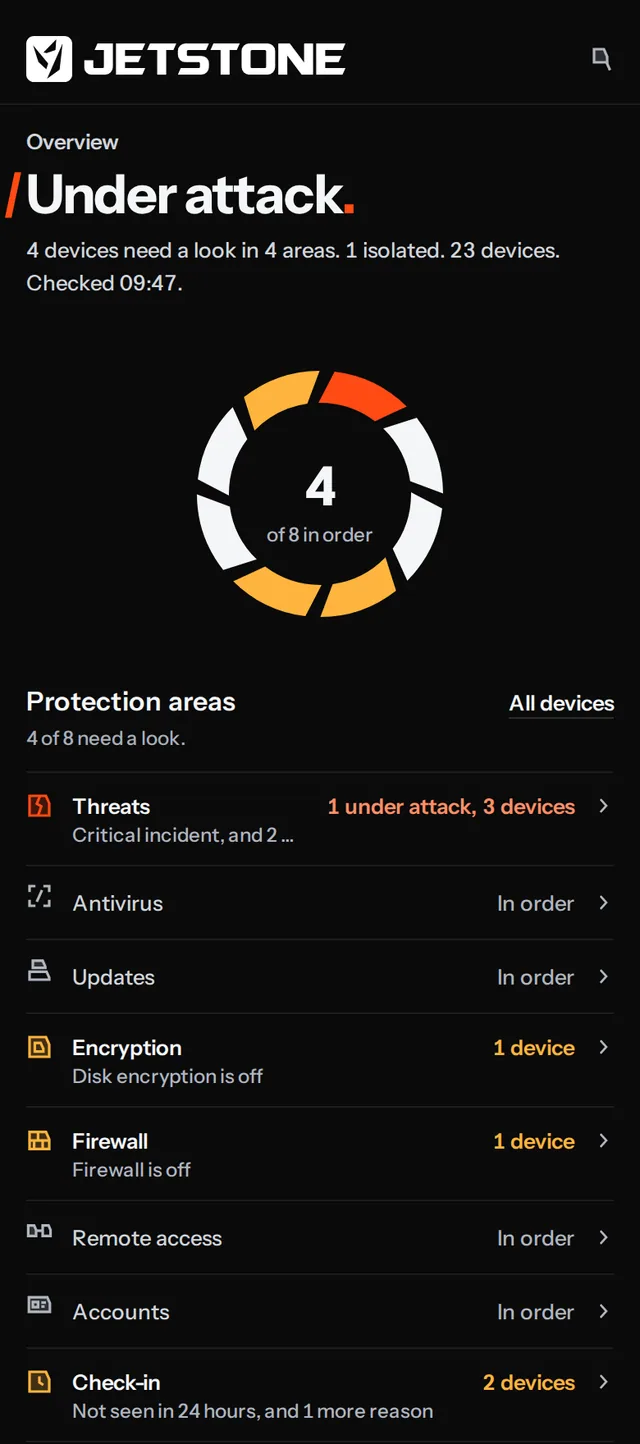
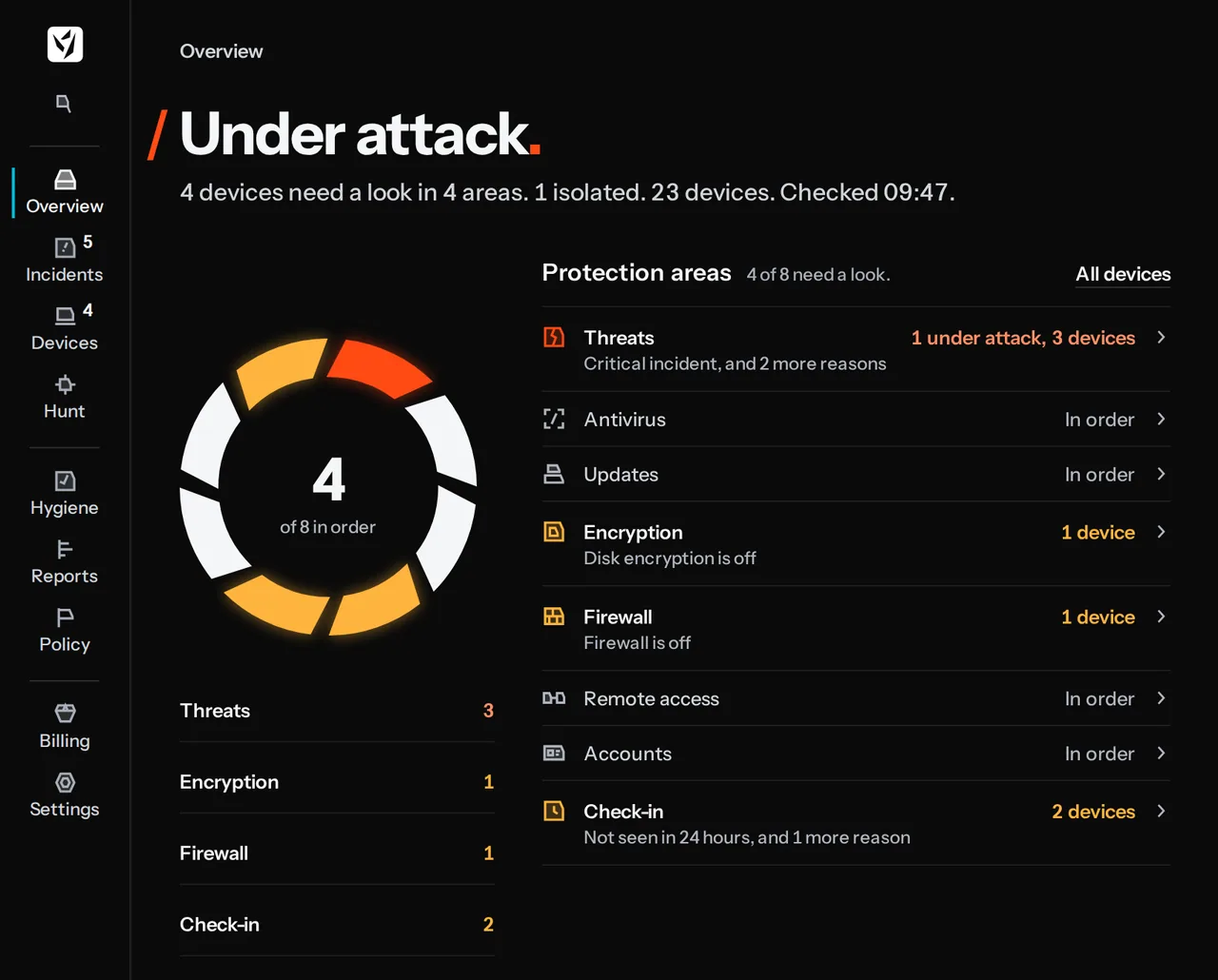
It will end the process, quarantine the file, isolate the device or sign the user out.
It will flag signs of a stolen account, such as impossible travel or a malicious inbox rule.
Every automatic action will be undoable in one tap.
From the newsroom


 Critical severity
An Azure security assessment is a structured review of how your Microsoft Azure tenant is configured: who holds privilege in Entra ID and on subscriptions, what is exposed to the internet, where secrets are stored, and whether logging is in place to investigate an incident. You get a findings report and a remediation plan ordered by risk.
The price is set by the number of subscriptions and environments, the workloads in your tenant and the size of your identity estate, and is agreed before work starts. A Microsoft 365 and Azure security review from Black Shard runs to a fixed scope, with a written findings report and a remediation plan.
Six areas: identity in Entra ID, privilege at subscription scope, networking and internet exposure, secrets and Key Vault, logging and retention, and workload configuration. Each is assessed against what your tenant runs.
Two documents. The findings report records where your tenant stands, with each finding manually verified and the evidence to reproduce it. The remediation plan orders the changes by risk, using controls you already license. We walk your team through both and remove the review roles at close-out.
Yes, as an input. Defender for Cloud assesses subscriptions against the Microsoft cloud security benchmark by default, and we read those results. We add what a benchmark cannot judge: whether a permission fits its purpose, whether an exposure is deliberate, and what an attacker inside your tenant could reach.
Reader-level roles scoped to the review: typically Global Reader in Entra ID and Reader at the relevant subscription scopes, agreed at scoping and removed when the engagement ends. Write access is not required to run a review.
It depends on the subscriptions, environments and workloads in scope: a single-subscription tenant reviews faster than a multi-subscription estate. The review is a fixed-scope engagement, so the target, timeframe and deliverable are agreed before work starts.
No. It is an engineering review of your tenant and carries no certificate. We use the ASD Essential Eight as the framework, and if you want certification the findings feed into compliance readiness work.
An assessment reads your tenant's configuration with read-only roles: who holds privilege, what is exposed to the internet and whether telemetry is collected. A penetration test tries to exploit what is reachable, to show whether a control holds against a real attempt. Where a finding needs that proof, we flag it for a live test, which we also run.
Yes. We read secure score as part of the review, but a score cannot tell you whether a permission is needed or an exposure is deliberate. We check that by hand.
Yes. Entra ID is the identity control plane of the tenant, so privileged roles, conditional access, service principals and their credentials are in scope by default. Where the Microsoft 365 identity estate needs examining on its own, the Entra ID security review is the deeper engagement.
Yes. We are a software engineering firm as well as a cybersecurity firm, so after the review we can advise on the fixes or do the engineering. The plan is also written so your own team can carry it out.
Yes. The entry offer is a Microsoft 365 and Azure security review, because both sit on the same Entra ID tenant. Mail flow and forwarding, SharePoint and OneDrive sharing, guest access, device compliance and audit retention are read alongside the Azure subscriptions wherever the organisation runs them.
Book the free 30-minute scoping call, or send a brief with the number of subscriptions, the main workloads and any deadline. The scope, timeframe and price are confirmed in writing, and the review starts once read-only access is granted.
Microsoft secures the Azure platform and publishes independent assessments of it, including IRAP assessments against the Australian Government Information Security Manual. The security of your tenant is set by its configuration: who holds privileged roles, what is open to the internet, where secrets are kept and what is logged. An Azure security assessment measures that configuration.
An Azure configuration review reads the settings of your Entra ID tenant, subscriptions and resources against hardening guidance and against what each workload needs. It is the same engagement as an Azure security assessment. Every finding is verified by an engineer, and the remediation plan orders the fixes by risk.
A Microsoft cloud security review covers Azure and Microsoft 365 together, because both sit on one Entra ID tenant. We read identity, privilege, networking, secrets and logging in Azure, and mail flow, sharing, guest access, device compliance and audit retention in Microsoft 365. You get one findings report and one remediation plan.
We use the ASD Essential Eight as the framework and read Defender for Cloud's results against the Microsoft cloud security benchmark. We work against the ASD Information Security Manual, the Privacy Act 1988 and its APPs and CIS Controls v8, and findings map to the Essential Eight and SMB1001 where your brief calls for it.
Organisations whose tenant grew faster than its access model: after a migration into Azure, after a change of IT provider or partner, ahead of a customer security questionnaire, an insurer renewal or a tender, during an Essential Eight or ISO 27001 program, and in the weeks after an incident.
Yes. The review is delivered remotely through read-only roles in your tenant, so organisations in Melbourne, Sydney, Brisbane, Perth, Adelaide and Canberra get the same engagement. The scoping call and the findings walkthrough run by video call, and in Brisbane they can run in person.
The Microsoft 365 and Azure security review, a deeper Entra ID security review, a Copilot security review, penetration testing where a finding needs live proof, remediation engineering, attack surface management and managed ICT that runs your tenant.